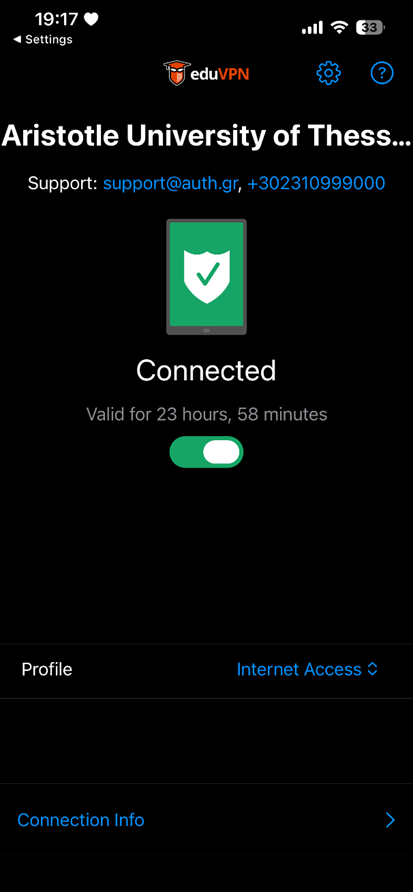



Installing the eduVPN application #
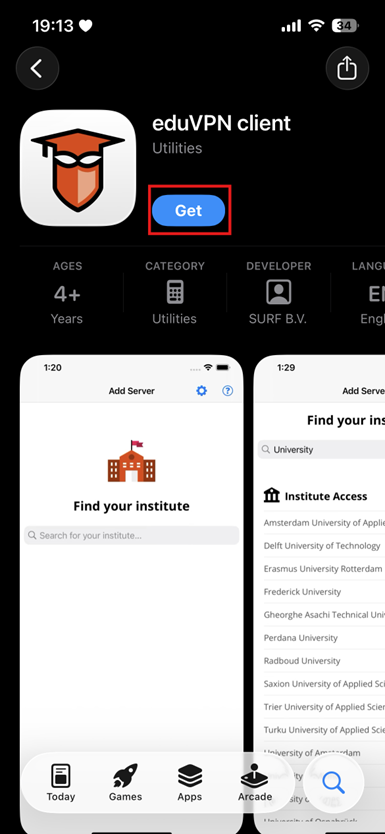
Access the App Store and download the eduVPN application.
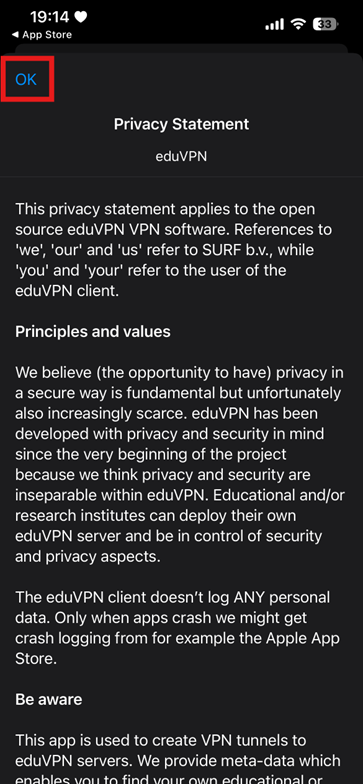
Select OK to proceed with the installation.
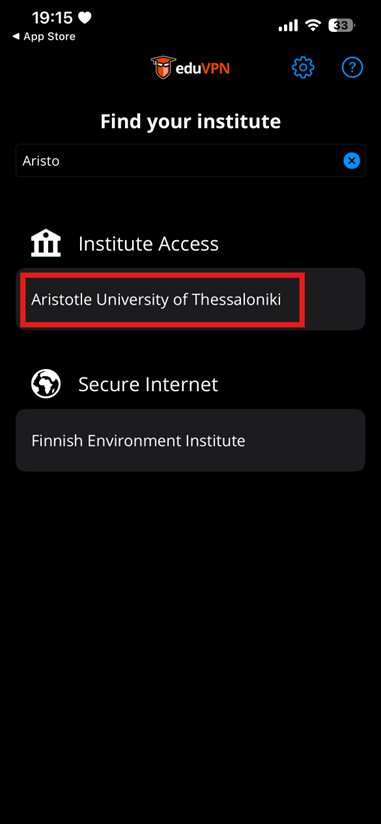
Select Institution #
Type Aristotle University of Thessaloniki and select it from the list.
VPN connection #
- Select Continue in the pop-up window that appears.
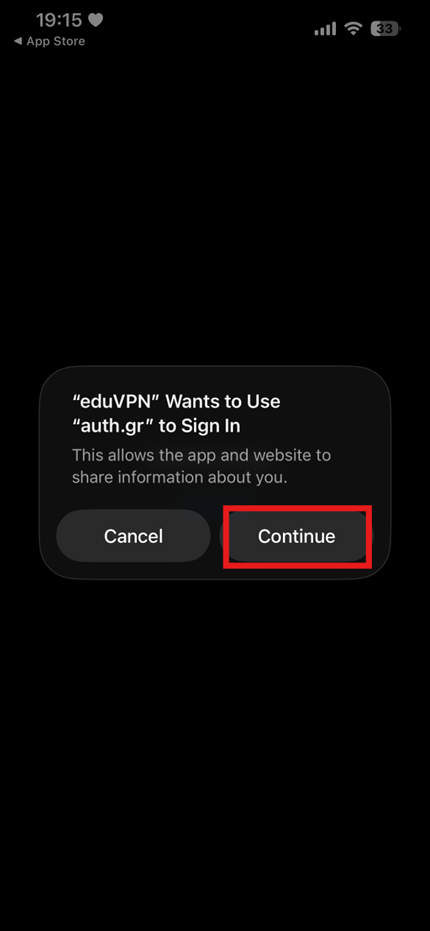
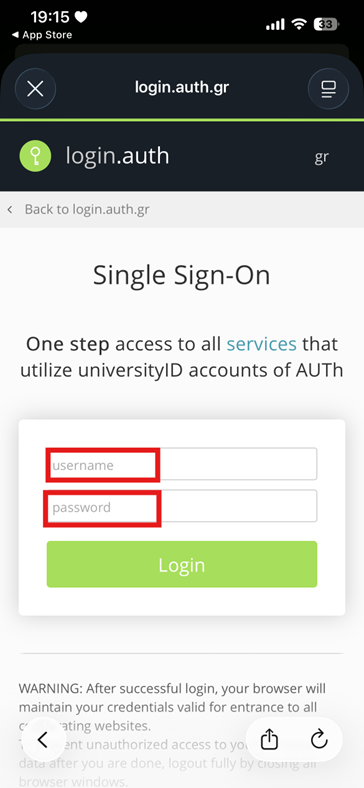
- You will be redirected to the institutional login page, log in using your institutional user account.
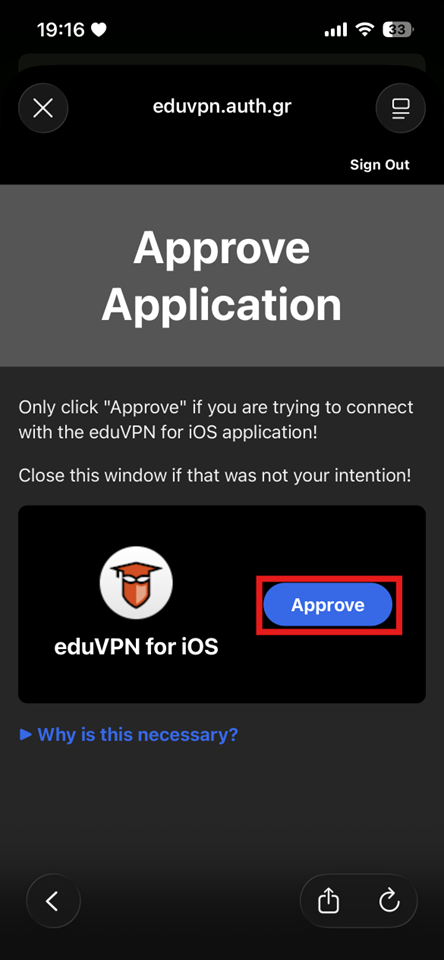
- Select Approve to authorize the application.
- Select Aristotle University of Thessaloniki again to confirm.

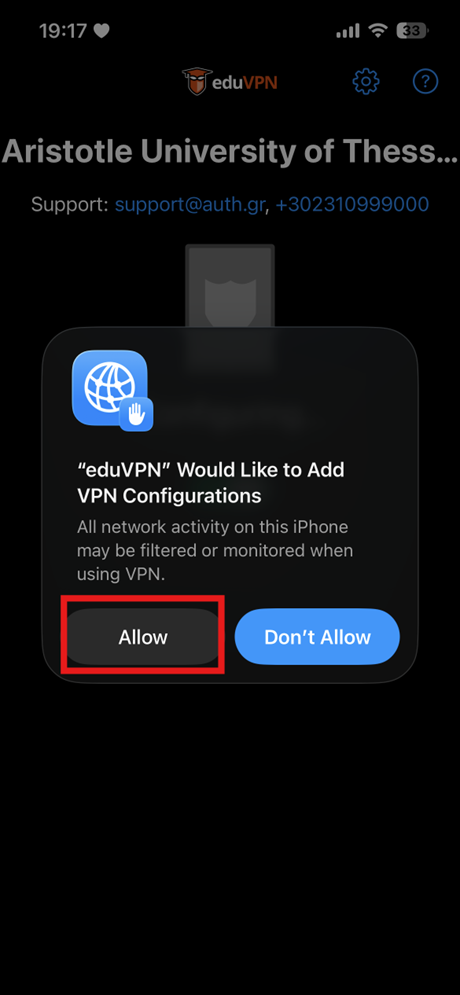
- In the following system prompt, select Allow.
- Choose whether you want to receive notifications when your connection expires.
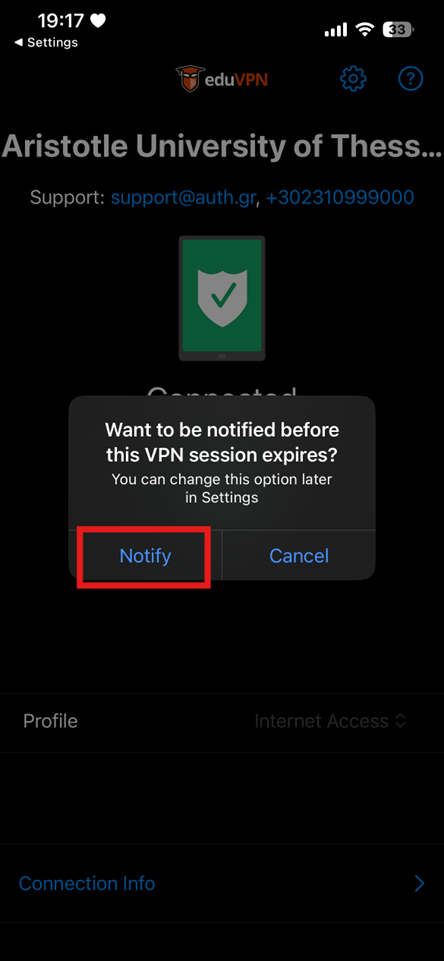
- Toggle the switch to the ON position to establish the connection.