



Login #
You access the students.auth.gr portal and log in using your institutional user account username and password.
After successfully logging in, you select Support → Requests from the menu in the top-right corner.

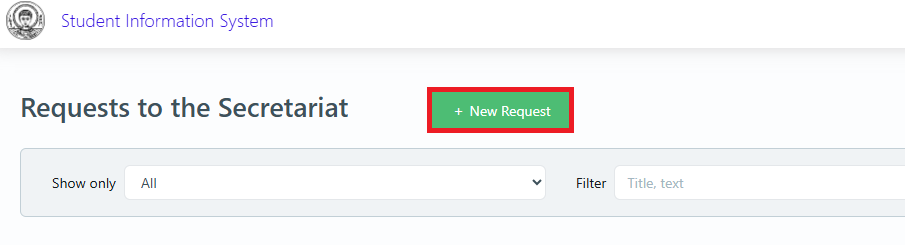
On the page that appears, select New Request.
Request Selection #
Next, locate the Food Request in the Other Applications menu and click the Select button.

Personal Information #
Fill in all the requested Personal Information and click the Next button.

Documents #
Then, attach the required files and finally, click Submit.

Messages #
In the Messages tab, you can resend any documents that may be requested or submit corrected documents by clicking the New Message button and attaching the file.
