


To utilize MathWorks products (including MATLAB, Simulink, and associated toolboxes), the creation of a personal account is required.
Account Creation #
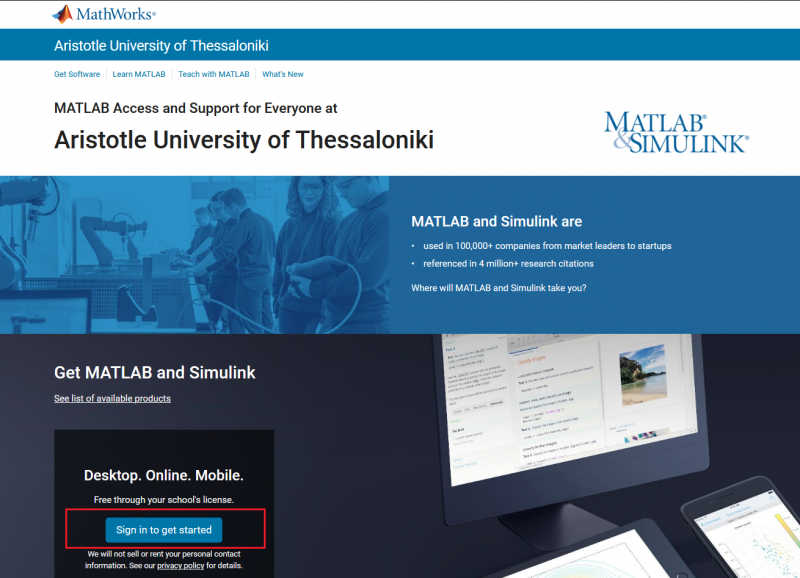
Navigate to the Aristotle University of Thessaloniki MathWorks Portal, scroll to the bottom of the page and select Sign in to get started.
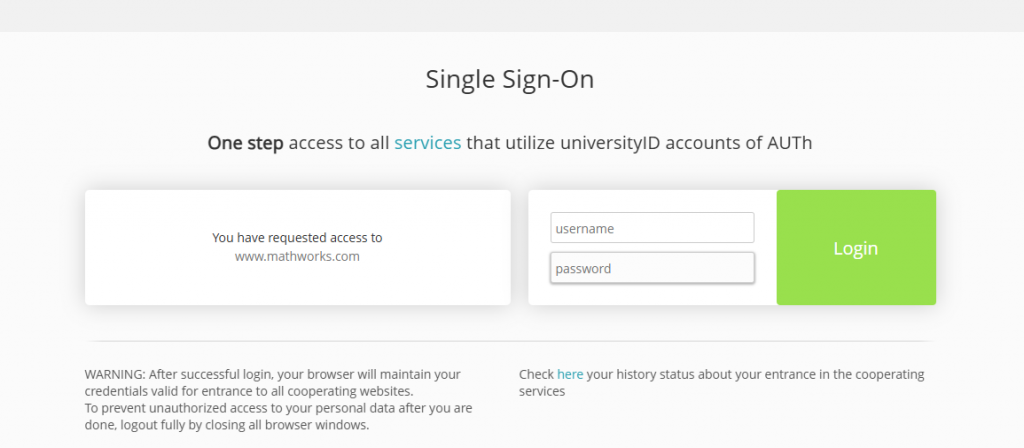
You will be redirected to the University’s Single Sign-On page. Log in using your institutional user account credentials. You must consent to sharing your full name and institutional email address with MathWorks.
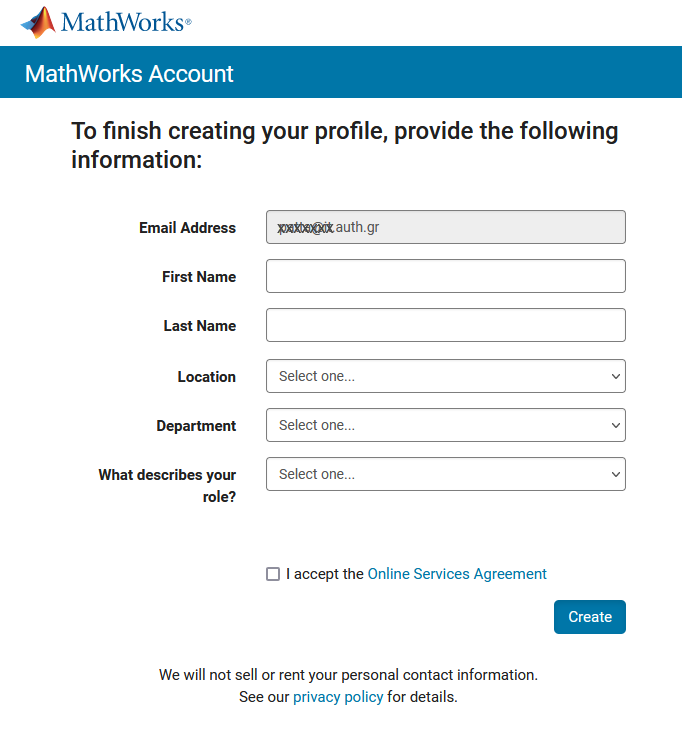
On the following page, complete all required fields, accept the terms of service, and select Create to finalize the process.
Sign In #
Visit the website https://matlab.mathworks.com and select Sign In.
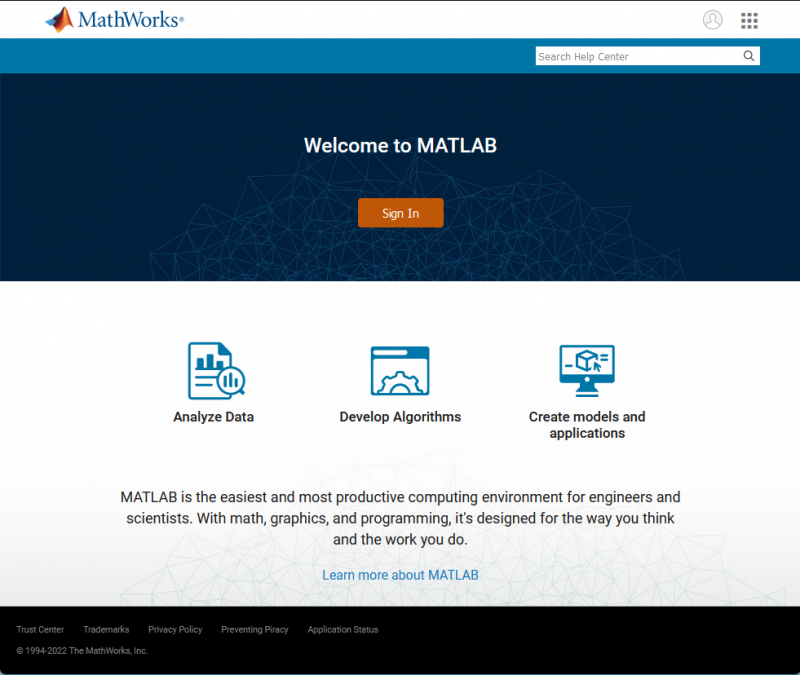
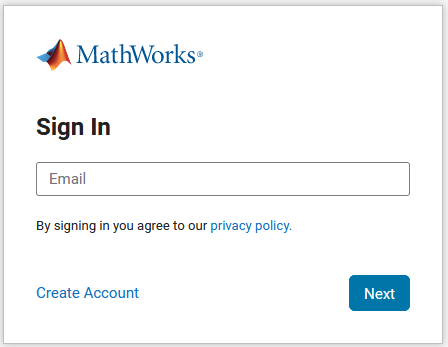
Enter your institutional email address. You will then be redirected to the University’s Single Sign-On (SSO) page to authenticate using your institutional user account credentials.
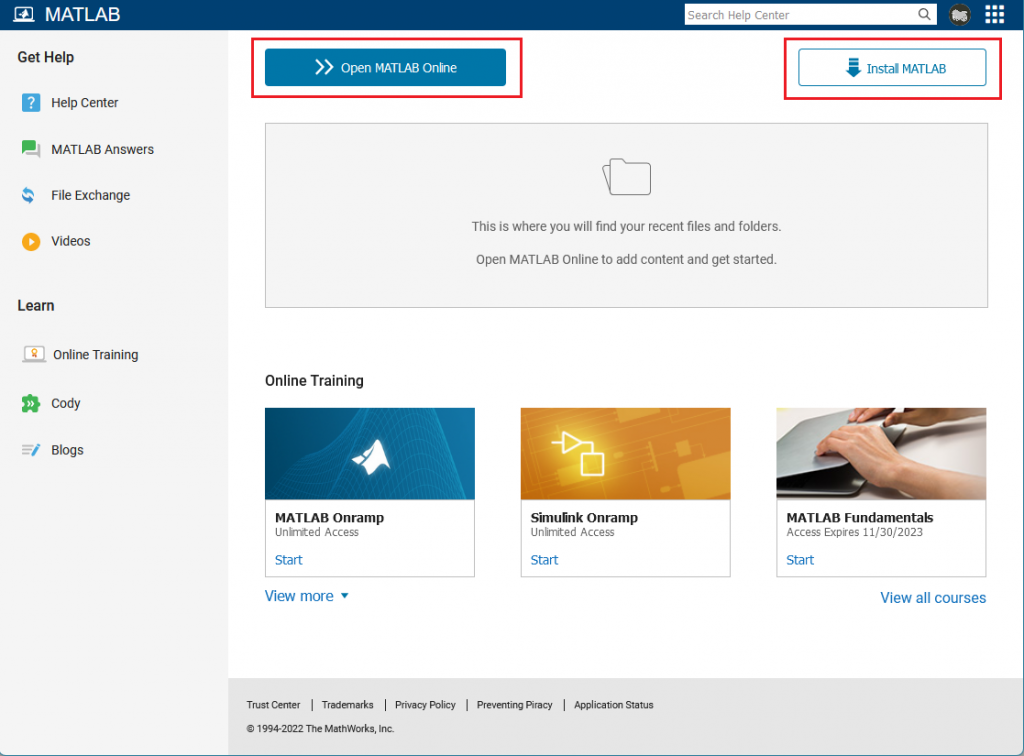
Once you logged into the portal, you can choose one of the following:
- Install MATLAB to download and install the software on your local machine. Detailed guidance is available in the “Install an Individual License” video on the MathWorks support page.
- Open MATLAB Online to use the software directly via a web browser without requiring installation.