



Through the electronic secretariat platform, you can:
- submit your semester course registration ,
- view your guides for the courses in which you have been examined,
- check the grades of assignments you have submitted,
- obtain official certificates electronically,
- review your personal details as registered in the system.
Login #
After entering students.auth.gr, you are redirected directly to the login page. Access requires your username and password for your institutional account.
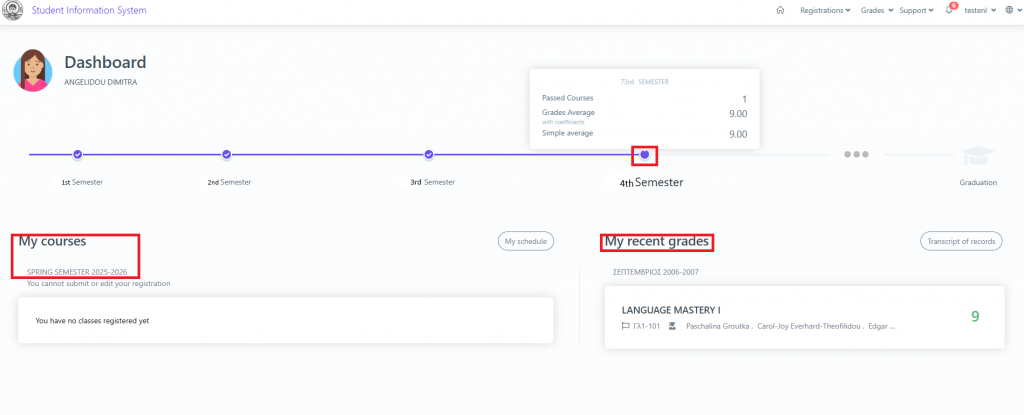
Once you have successfully logged in, the homepage displays your registered courses for the current semester and your grades from the most recent examination period.
Additionally, by hovering over the circle above the current semester, you can view your overall grade point average and the courses you have successfully completed.
Course Registration #
If it is the course registration period for your department, go to the Courses Registration tab and click Edit at the top right.
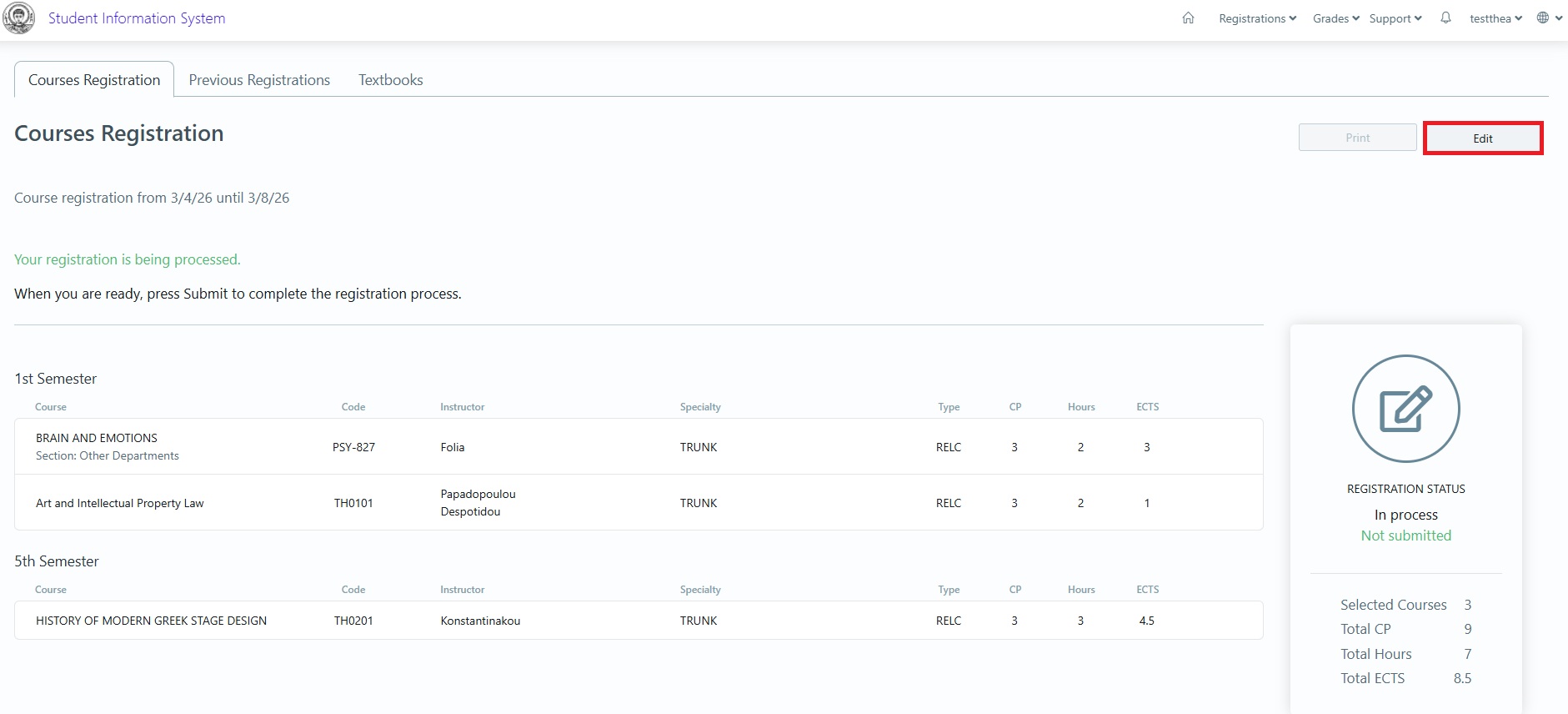
On the new page, select the courses you wish to register for, and once you have finished, click the Register button.

On the next page, if you are certain that the courses displayed are the ones you want to register, click the Submit button on the right.

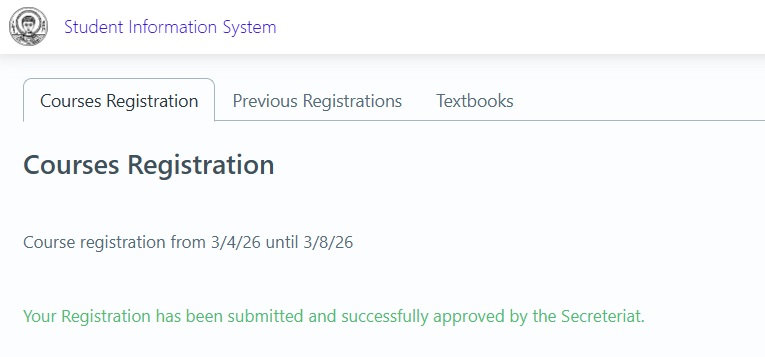
A confirmation message will appear indicating that your course registration was successful, and your submitted courses will be displayed. At the same time, you will receive an informational email listing the courses you registered for.
Grades #
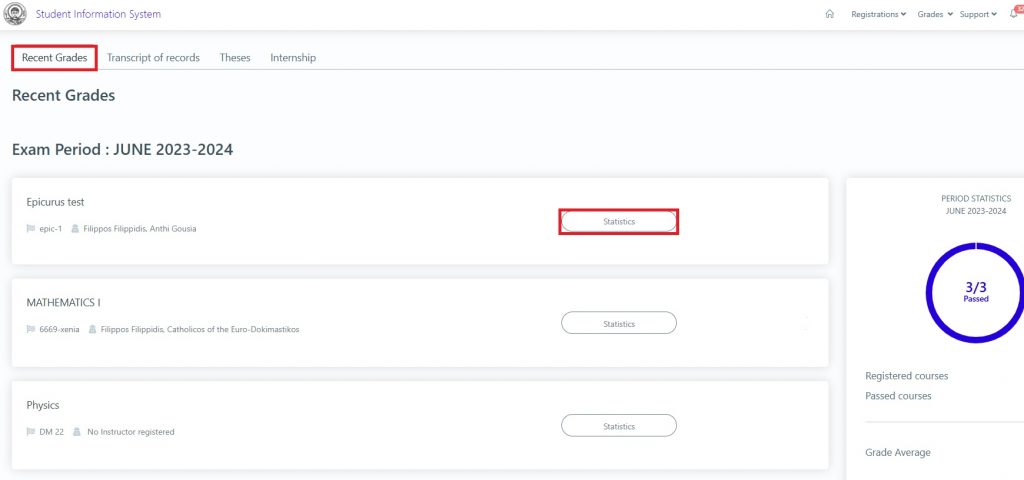
If you want to view your grades, click on Grades in the top-right menu.

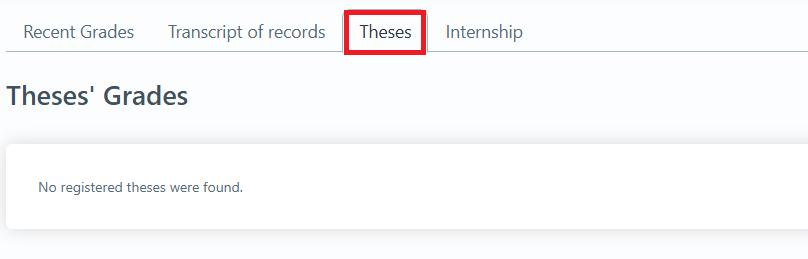
On the new page, you will see the following tabs:
1.Recent Grades: Grades from the most recent exam period (you can also view statistics on the grades received by students who were examined in the course).
2.Transcript of records: All your grades by semester (printing is available).

Theses #
Submit Application #
From the students.auth.gr platform, you have the option to obtain electronic certificates. These include:
- Certificate of Studies
- Certificate of Enrollment
- Detailed Transcript of Records
- Military Status Certificate
- Other Application
To apply for any of the above, select the Services menu in the top-right corner.

On the new page, any previous applications will be displayed, along with the New Request button.

My Profile #
If you want to view your registered details in the system, click on the username menu (your own username) in the top-right corner and select My Profile.

On the new page, your personal information will be displayed.
